See your shops.
Work your orders.
One rollup across every shop you supply, and an inbox for the orders their own auto-reorder job submits straight to you. No phone call, no re-keying an order by hand.
An app integrated with RefinishControl. So you maintain control.
- Shop rollups refresh hourly
- Orders relay in real time
Thirty shops means thirty separate phone calls, if you're lucky.
The same picture, whether it's ten shops or a hundred.
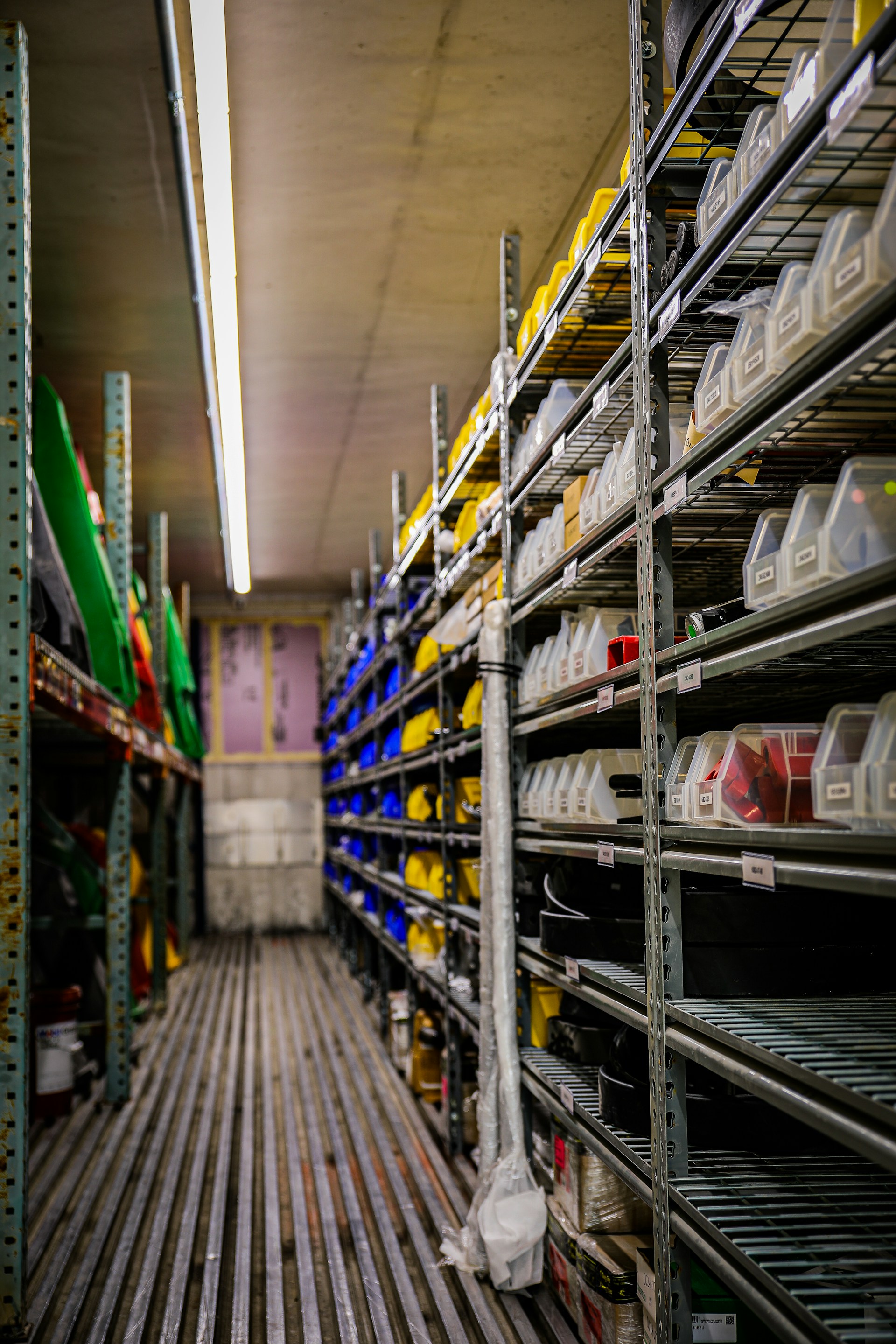
What today usually looks like
- Someone drives to each shop, or calls ahead, to check what's running low
- Tracked on paper or in a spreadsheet, not tied to that shop's own account
- An order starts only once a shop notices it's out
What changes with Distributor Hub
- Every linked shop's numbers, in one place, updated hourly
- An order can reach your inbox before a shop even notices it's running low
- Still your relationship: nobody's account depends on any of this working
What moves, and in which direction.
Everything below travels to you. The only thing that ever travels back to a shop is a shipped status.
- Every Linked ShopIts own RefinishControl account, pulled hourly.
- Recovered ValueEstimate and materials recovery, combined.
- Pending ReviewFlags still sitting in that shop's queue.
- Running LowWhat's nearing the reorder point that shop set.
- Status to ShopsWhat you mark shows up on their own dashboard.
- Your Order InboxGenerated and submitted automatically, no manager click.
- Email AlertA best-effort note to your contact address when an order lands, in case you're not watching the inbox.
Recovered value, pending review, and running-low counts, pulled from each shop's own account hourly. Never a live query into their database, and never anything beyond those three numbers.
Only for suppliers a shop's admin explicitly points at you. Once a linked material crosses its reorder point, that shop's own job generates and submits the order, no manager click required. Anything else still goes the way it does today: a call or an email.
A relationship you already have. We're just here to strengthen it.
No catalog behind it
RefinishControl still doesn't sell parts, and still has no catalog of its own. Distributor Hub doesn't change that. It relays a shop's order to the distributor that shop already buys from. It doesn't broker the order, mark it up, or choose a vendor on a shop's behalf.
Set up deliberately, not opened up
There's no open marketplace of shops browsing distributors, and no self-service signup. A ShelfControl team member links you to a shop deliberately, one relationship at a time, the same way you already sell to them, just with less back-and-forth once it's set up.
Before you ask
Bring your shop list. We'll set up the first link.
Then you'll see exactly what shows up on your side before a single order routes through it.